
Find your Google Play email
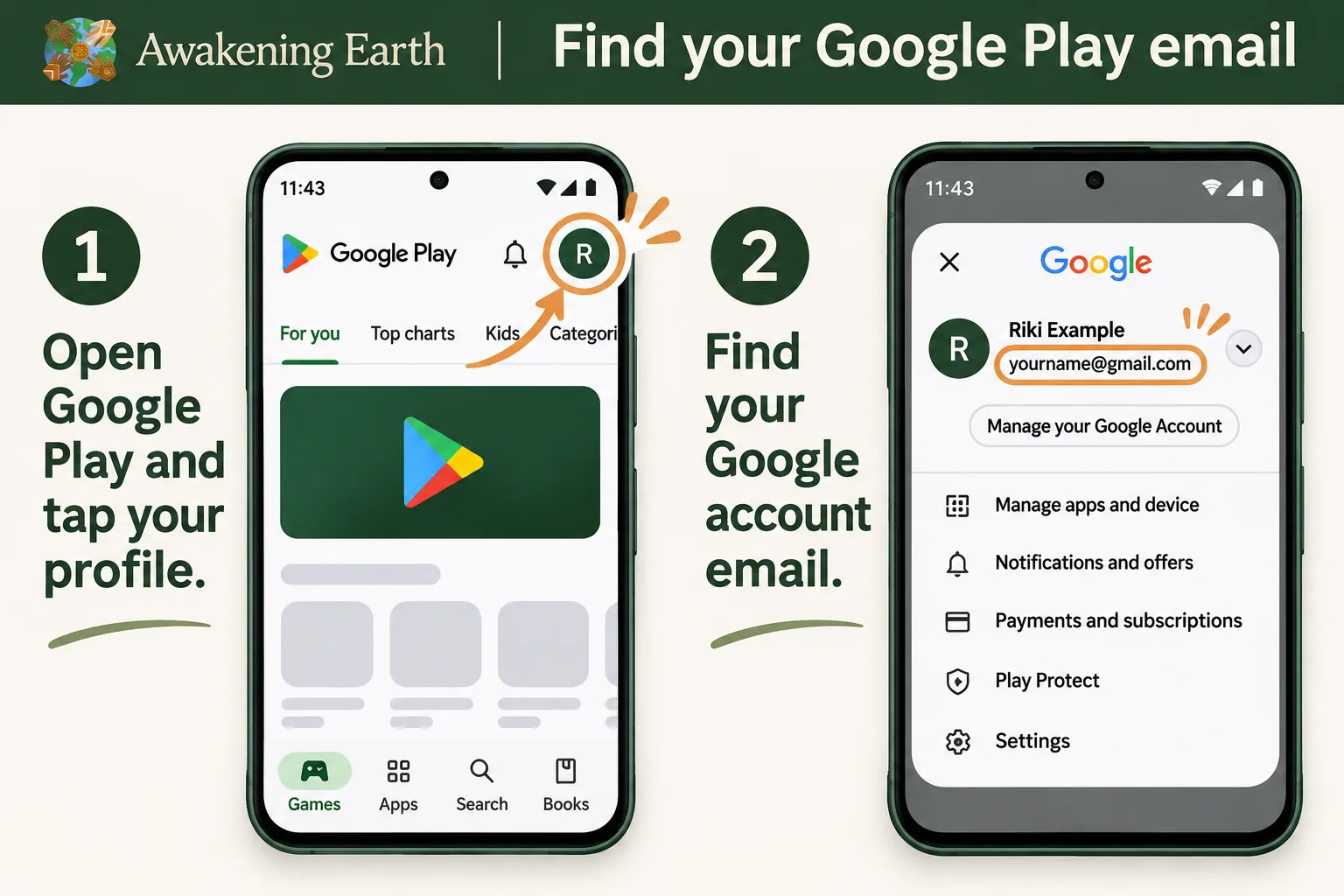
Open the Play Store on your Android device and tap your profile picture. Check which Google account you're using.
Be among the first to experience Awakening Earth on your phone. We're welcoming a small group of listeners to try the app and help us improve it.
Request beta access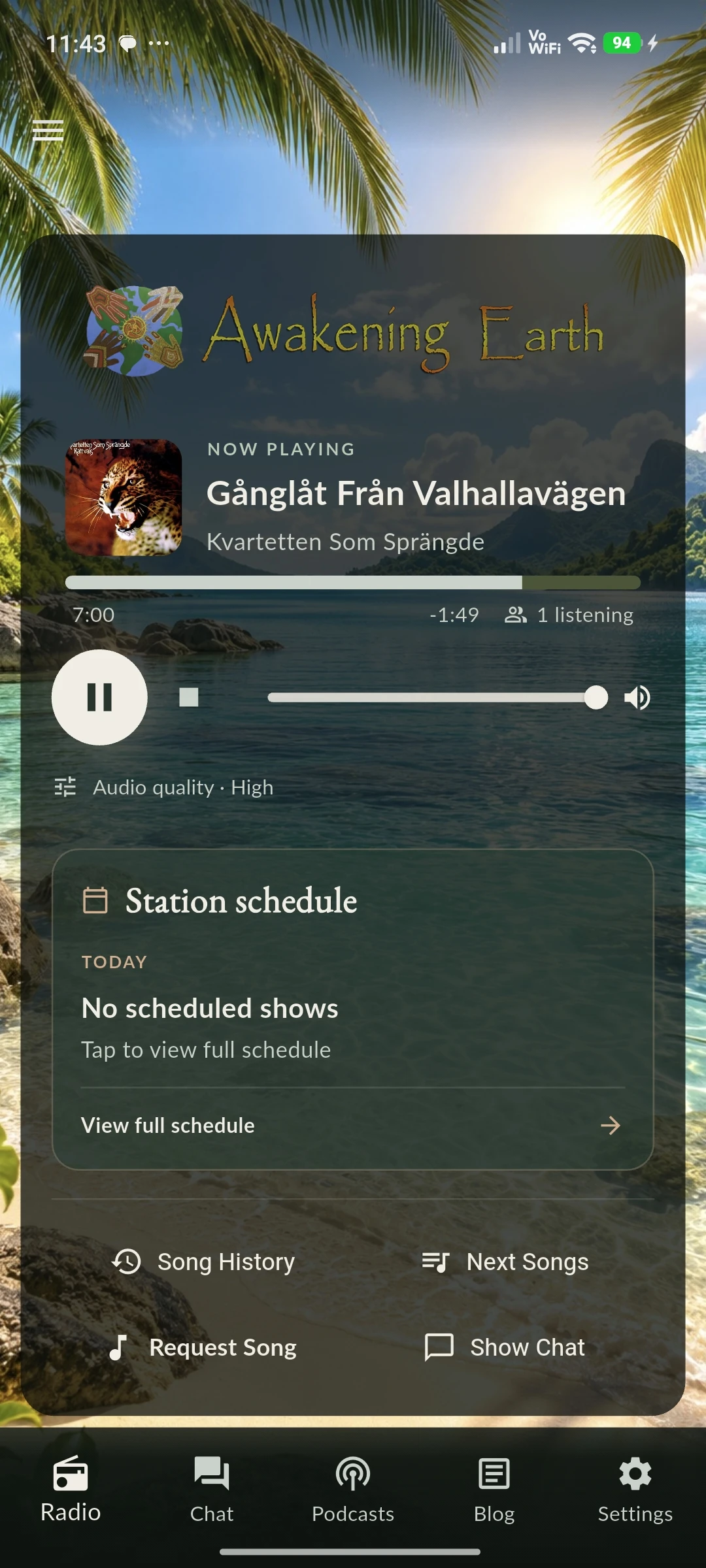
Because the app is currently in closed testing on Google Play, we need to add your Google account email address before you can install it.
Open the Play Store on your Android device and tap your profile picture. Check which Google account you're using.
Send us the email address for that Google account. You do not need to send a password or any screenshots.
Once we've added your address to our beta tester list, we'll send you instructions to join the test through Google Play.
Open Google Play, tap your profile picture in the top-right corner, and find the email shown beneath your account name.
Send us your Google Play email address and we'll help you get started.
Email my Google Play addressIf the email button doesn't work, write to [email protected].
We'll use your email address to respond to your request and manage beta access. See our Privacy Policy.